Meta's New AI Tool Turns Your Photos Into Images Without Permission
July 9, 2026
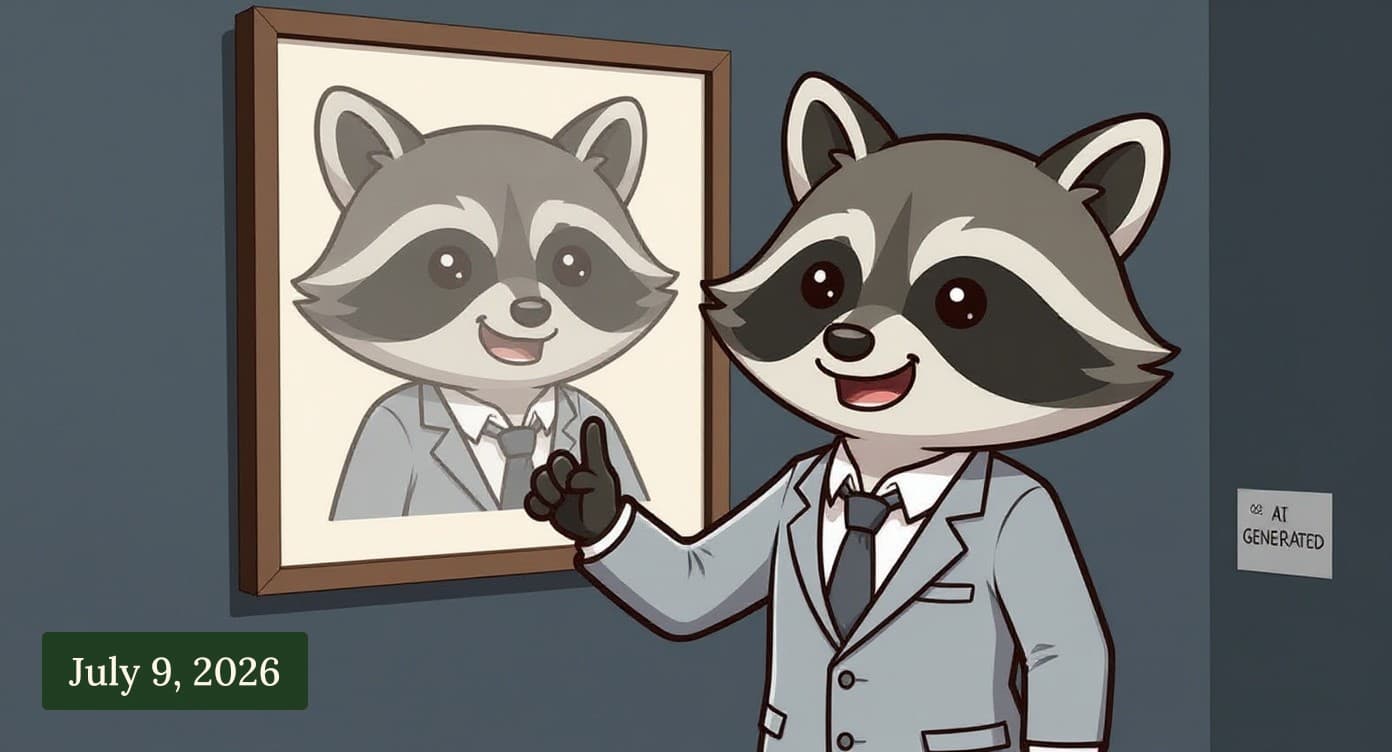
Meta's New AI Tool Turns Your Photos Into Images Without Permission
Meta just launched a new feature called Muse that generates AI images of you—using your public Instagram profile—and you don't get a say in it. Here's what's happening and how to turn it off.
What Meta Did
Meta added an image generation tool to Instagram that works like other AI image makers. The difference is that anyone can use it to create pictures of you without your knowledge or consent. The tool pulls from your public profile photo and other images you've posted, and generates new pictures based on your appearance.
The feature is turned on by default. You won't be notified when someone uses your likeness. Meta didn't announce this as a separate privacy setting—it's just part of the Muse rollout.
Why This Matters
Your image is yours. Someone else generating pictures of you, even if the results look artificial, crosses a line most people don't expect social media companies to cross. The images could be used to impersonate you, create misleading content, or simply be used in ways you'd never approve of.
Because this is turned on by default, anyone following you—or anyone who can see your public profile—can do this right now.
What to Do
Go to your Instagram settings and turn off Muse image generation for your profile.
On Instagram:
- Open your profile
- Tap the menu (three lines)
- Go to Settings and privacy
- Tap Generative AI
- Toggle off "Allow AI to generate images inspired by you"
The toggle is under your account settings, not buried in privacy controls, so it's straightforward to find. Once it's off, no one can use Muse to generate images based on your profile.
If you don't want to turn it off entirely, Meta also lets you limit who can use the feature—you can restrict it to your close friends only.
Going Forward
This is the kind of feature that works quietly in the background. Meta's approach here—default on, no notification, buried in settings—tells you something about how they think about your image and consent. It's worth checking your other social media accounts for similar settings. Facebook and Threads have similar generative AI features.
You're in control of what happens with your profile. A few taps and you can turn this off completely.
Sources
Turn off this Meta setting before someone generates AI images of you Malwarebytes Labs
Felons, Fraudsters Flog Offensive Cybersecurity Startup Krebs on Security
Enjoyed this? Get the next issue free.