A Placeholder Domain Becomes a Scammer's Fake Verification Trap
September 26, 2026
A Placeholder Domain Becomes a Scammer's Fake Verification Trap
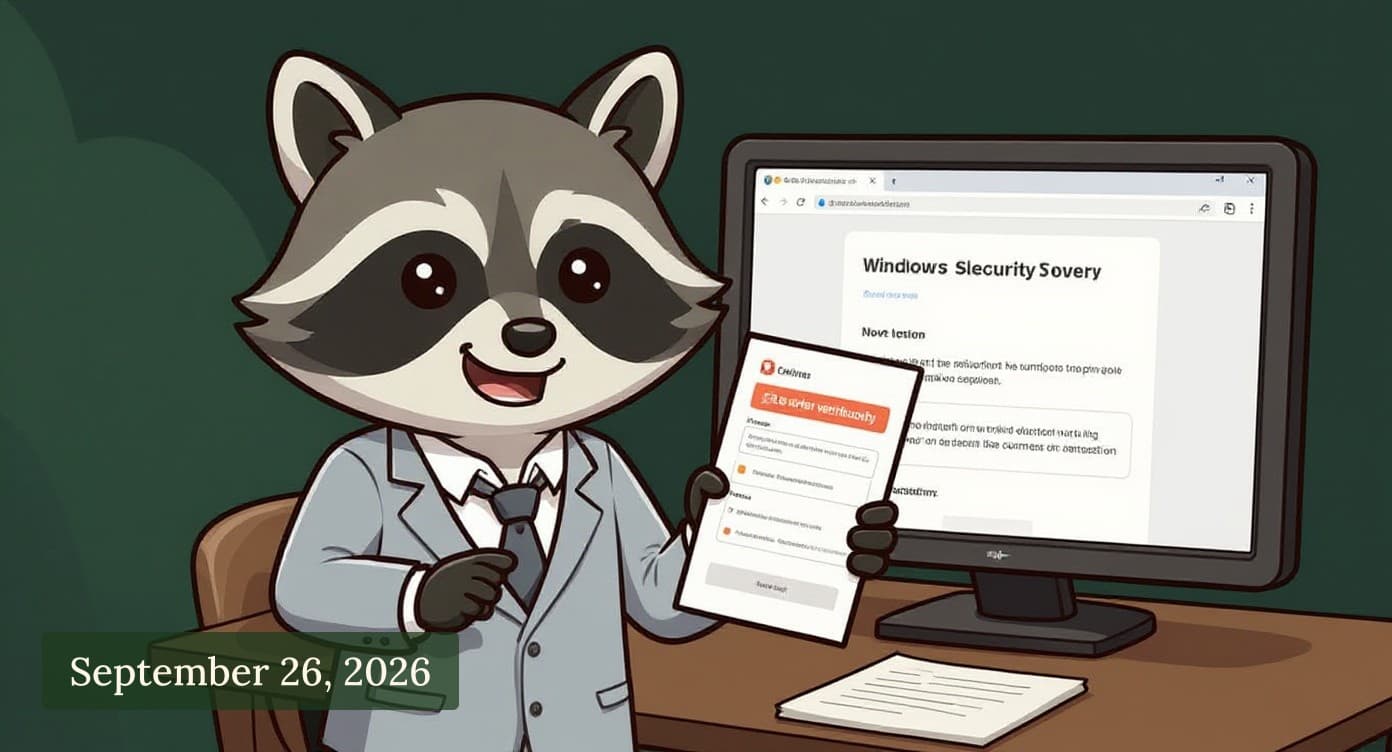
Scammers have found a new way to trap Windows users. They've taken over a common placeholder domain, the kind of generic web address that appears as a default example in thousands of websites and tutorials, and turned it into a fake security warning page. The process is straightforward. When you land on this fake page, it looks like a legitimate Windows verification screen. It tells you something is wrong with your computer and asks you to run a command to fix it. If you copy and paste that command into your computer's command prompt or PowerShell (a tool built into Windows for advanced tasks), you're actually installing malware. The scammers can then use that malware to steal passwords, banking information, or take control of your machine. The trap works because placeholder domains are everywhere. They're used in documentation, help articles, and example code. So when someone encounters this fake verification page, it doesn't immediately feel suspicious. It looks like it could be a real domain. If this happens, take these steps. If you see a pop-up or page telling you to run a command to fix your computer, close it immediately. Do not copy and paste anything. Windows will never ask you to run commands from a webpage. If you're genuinely concerned about your computer's health, open Windows Defender (built into Windows) directly from your Start menu, or contact your IT support if you're at work. Never run commands from a website you don't fully trust, even if it looks official. You're in control of what runs on your computer. A legitimate warning will come from your own computer, not from the internet.
Sources
Criminals turn placeholder domain into ClickFix trap Malwarebytes Labs
LinkedIn adds new checks for fake profiles and work histories Malwarebytes Labs
U.S. Soldier Gets 70 Months in Prison for AT&T, Verizon Extortions Krebs on Security
Enjoyed this? Get the next issue free.